
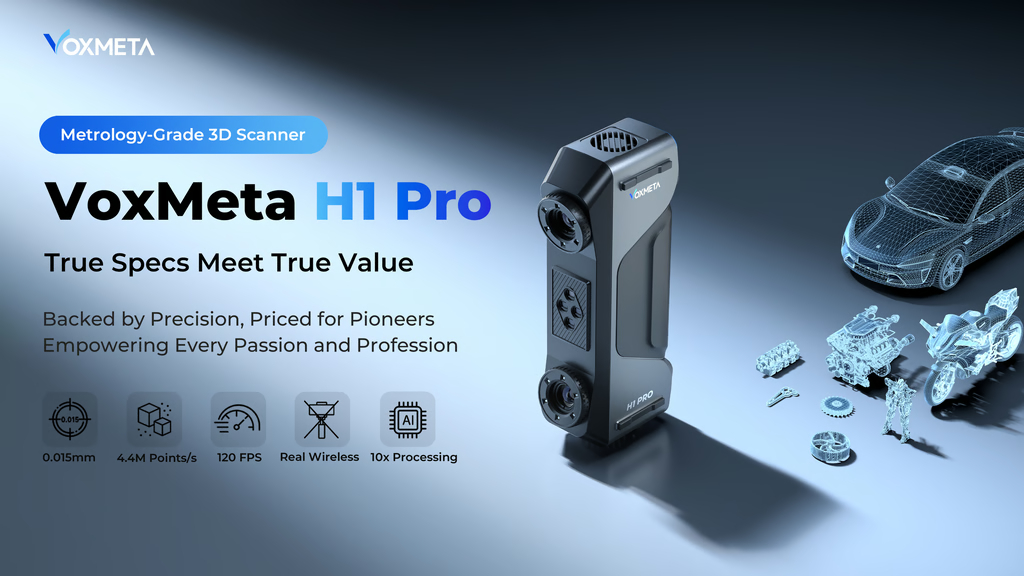
VoxMeta H1 Pro:
The 3D Scanner Machine Shops Have Been Waiting For
This article is written and edited independently. Product references are based on hands-on use or verified third-party testing.
Where relevant, affiliate or partner links may apply — these do not influence editorial decisions.
Author
-
Jaco Field
- 1 July 2026
After countless delays in writing this article — because I kept telling myself, “Just one more test. Wait, just one more.” — I started thinking about best-selling author Seth Godin. He writes every day, and my conclusion is this: the best time to write is now, because your thoughts, experiences, and emotional state are always adjusting to life.
So, what is the H1 Pro 3D Scanner, and who is VoxMeta?
That is what I will answer in this article / blog post.
Disclaimer
- I received no compensation to write this article.
- Everything written here is based on my own thoughts and opinions, unless it is product information cited from the specification document, etc.
- Shoutout to 3Dconnexion for supplying a 3D SpaceMouse to be paired with the 3D scanner in this case study.
- Geomagic provided a 30-day trial license.
- I am in no way affiliated with these brands or the products mentioned in this post.
So, what is the H1 Pro 3D Scanner?
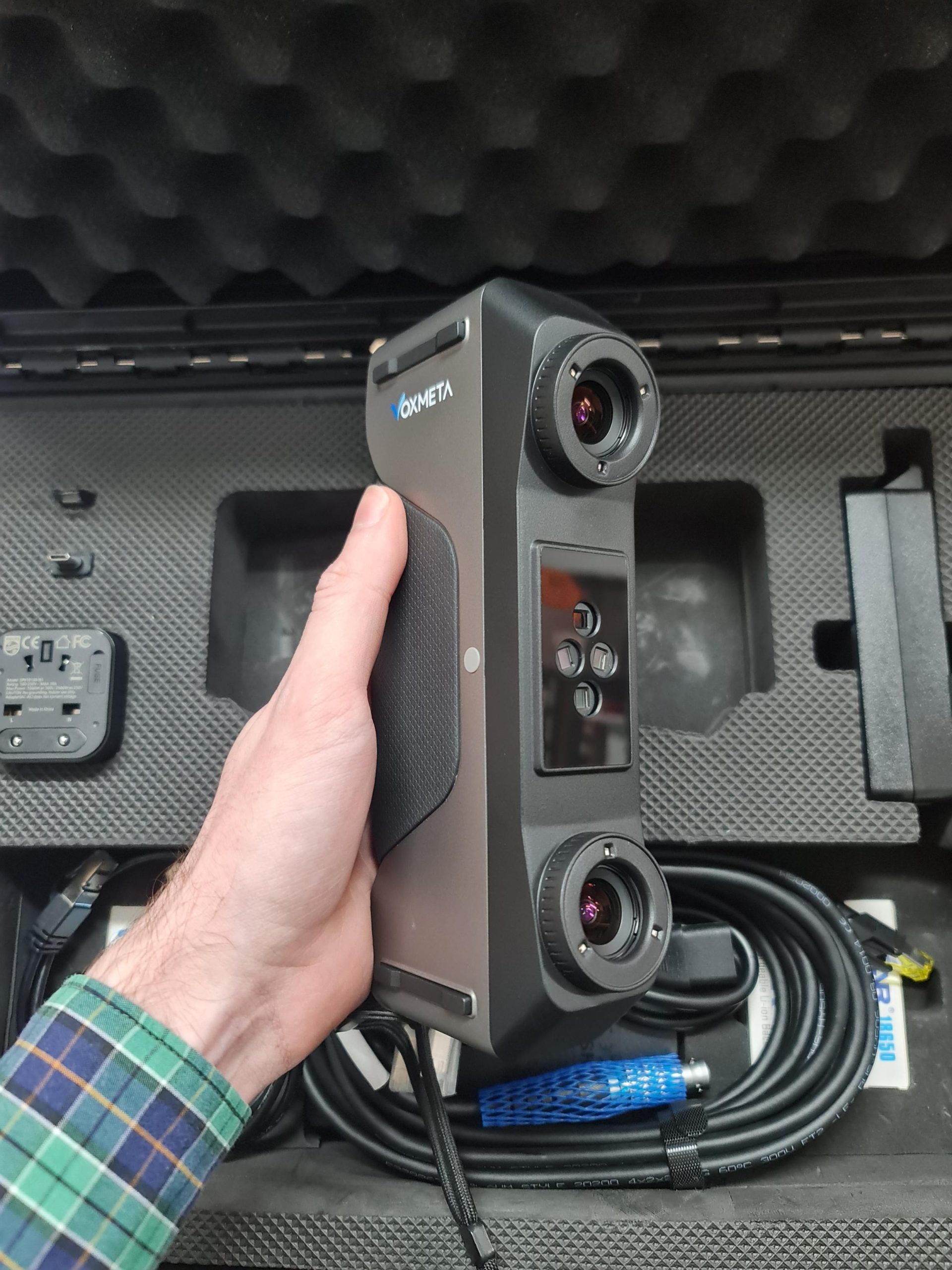
This 3D scanner is aiming to fill a void — the one that many people want filled.
Let me use CNC machines as an example. You get your DMG MORI or KERN machines on the pricey end, and we know why. Then you get your random-name rebrands all fighting at the bottom price scale. Then you get brands like SYIL and HAAS filling that middle gap, with HAAS being a bit more expensive, but still holding a strong market share in that middle offering.
I can clearly see VoxMeta aiming for those users.
Because if you work at an aerospace manufacturing company, chances are you already have a $50,000 3D scanner. But job shops and smaller manufacturing firms need to consider their tooling investments wisely. They need tools that can bring a return.
After testing the H1 Pro on a ceramic ball that was verified on a ZEISS CMM, and consistently getting within 0.015 mm, I was left speechless. Important note: this was done in a controlled environment. This was not shop-floor scanning. It was done inside a room at stable temperatures.
This scanner is clearly aiming to become that name in machine shops — just like we all know the Absolute Digimatic calipers from Mitutoyo. The H1 Pro feels like it wants to be that industrial 3D scanner at a price range similar to other tooling that machine shops already use. Not out of reach, but something that can clearly fit into a budget.
Laser Functions / Modes
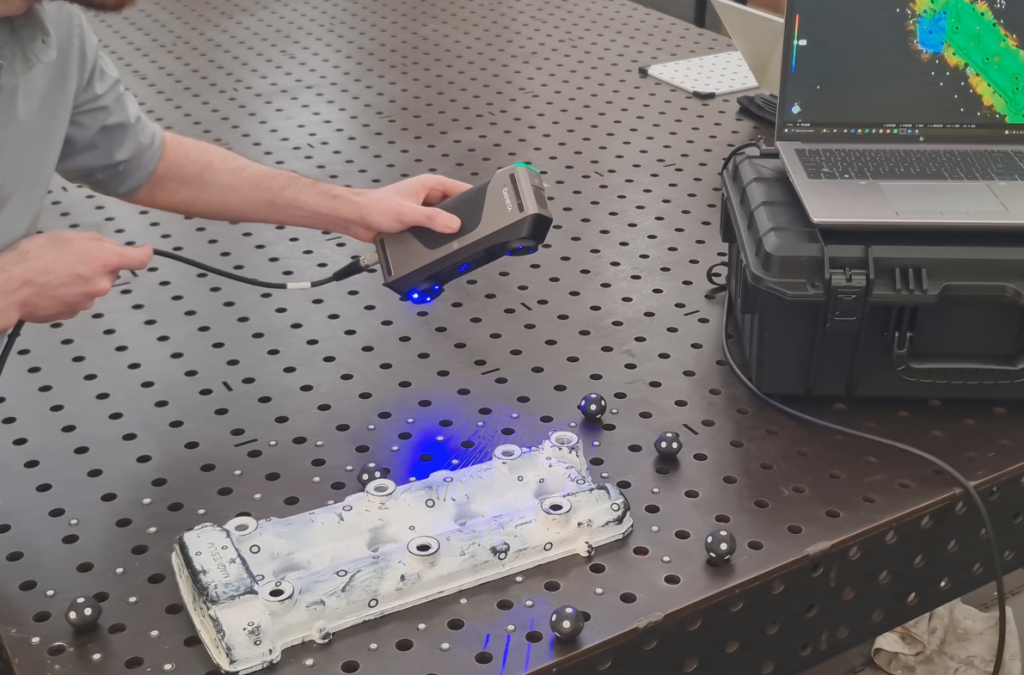
The scanner supports three laser functions or modes:
– Crossed lines
– Parallel lines
– Single line
You can refer to their website for the specifics on the number of lines.
The crossed-line and single-line modes have a slightly larger field of view, while the parallel-line mode requires you to hold the scanner closer, meaning your field of view is smaller. But this is to be expected, as they market this mode for fine-detail 3D scanning.
I have to say, I am impressed by how well it captures data. The parallel-line and single-line modes are also quite robust.
But for those of you who have not owned a laser 3D scanner yet, that probably sounds like gibberish, right?
So, for those in the tooling and die industry, or if you plan on 3D scanning automotive components for metal forming, injection molds, castings, or even machining, this scanner could be the key to unlocking that potential for your company.
I am not saying this scanner is purely for professionals. I am saying that current offerings on the market have often left something to be desired, and the H1 Pro is really trying to meet the needs of professionals in manufacturing and engineering.
Scanner Tracking
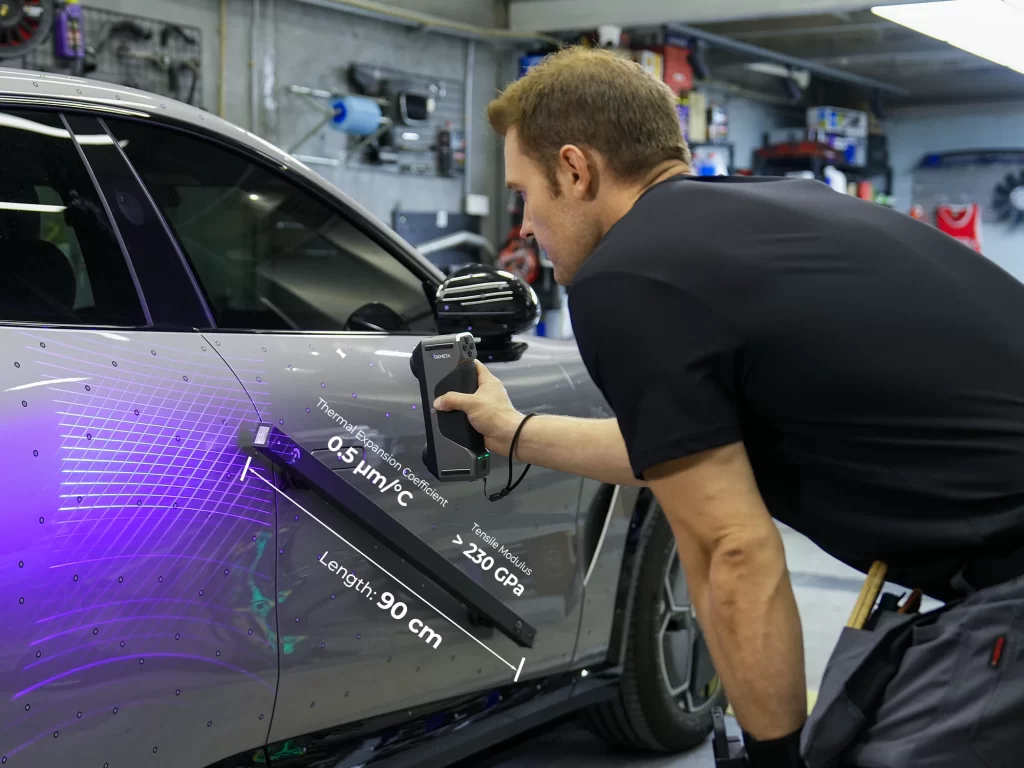
The scanner uses marker tracking to function and register its coordinates.
It does not support color 3D scanning. Its core focus is accurate 3D spatial data.
It has both wired and wireless connection options. The industrial connector at the base of the scanner feels secure and gives enough confidence that I think you could tow a Scania truck with it and the connection would hold. Tongue in cheek, of course — but it is robust.
I personally prefer wired connections for most things, but its wireless scanning is stable. The batteries are also not proprietary, so you do not have to worry too much about end-of-product-life issues. Even after this scanner gets discontinued in the future, you should still be able to source batteries, as long as battery cell manufacturers continue producing them.
The scanner grip is wide compared to other scanners in the sub-$5,000 range, and it is quite comfortable to use for longer periods.
Thermal Control
The scanner uses a pass-through cooling style, with a fan on the exhaust side. This creates a constant flow of air through the body.
After the scanner is left powered on for around 15 to 20 minutes, the temperature stabilizes within 2 degrees, based on the device readings. That is impressive and important if you plan on using this scanner where accuracy is key. Thermal growth is always a concern.
I will share more details in the weeks to come as I continue testing the 3D scanner.
Pricing
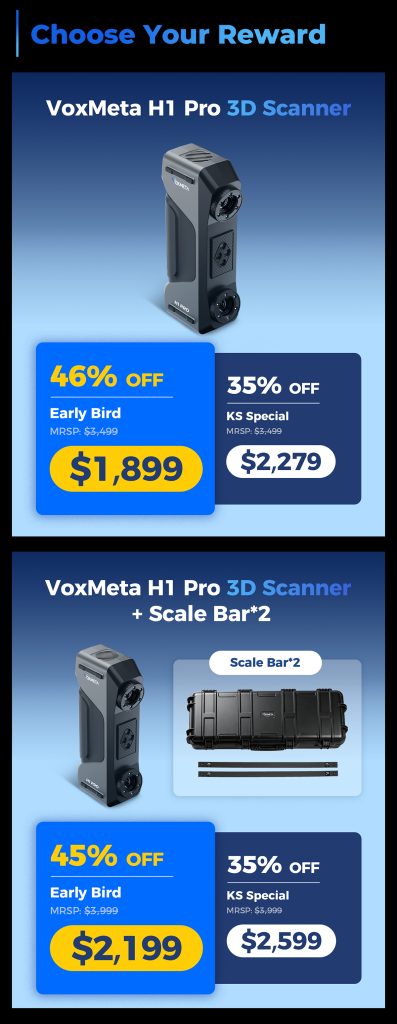
Pricing, I think, would be Starting at $3500 MSRP, but it is on Kickstarter now, starting below $2,000.
You can check it out here
Kickstarter: https://www.kickstarter.com/projects/voxmeta/h1-pro-3d-scanner
Official VoxMeta Website: https://voxmeta3d.com/
So, why the SpaceMouse?
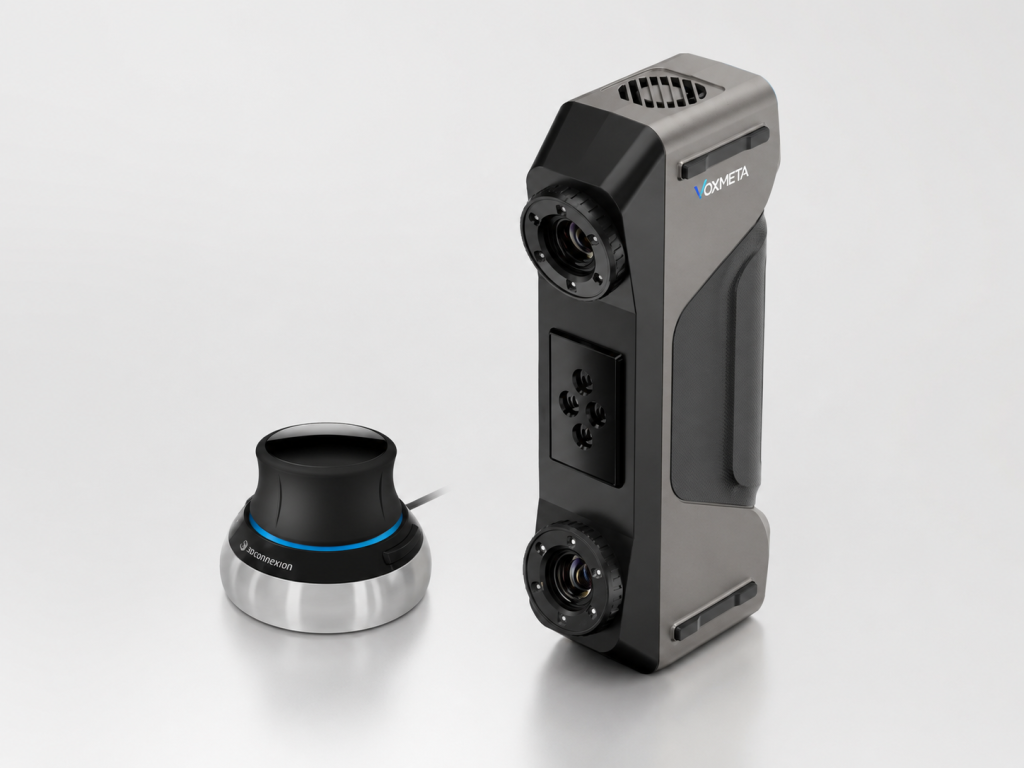
I always doubted the use of the 3D SpaceMouse.
But if you plan on working every day, or frequently, with 3D scan data in post-processing applications such as QuickSurface or Geomagic Design X, the SpaceMouse feels like a cheat code for efficiency — especially when aligning datasets or cleaning scan data.
I will write a full post about this as well, but if you spend almost every day in a 3D application, you should probably get one of these.
It took me only around 30 minutes to get used to it. I swapped the zoom direction and made it so I push and pull on the joystick — if you can call it that.
Pretty awesome peripheral.
Find more info on the SpaceMouse here: https://3dconnexion.com/
Conclusion
The VoxMeta H1 Pro is an awesome bit of kit.
If you are a job shop or an established manufacturer, this is a viable option for you or the company you work at.
If you have any questions, drop me a mail at yt@jacofield.com
Author Profile